You can use the right-click menu to change the shape of a wall segment from a straight line to an arc.
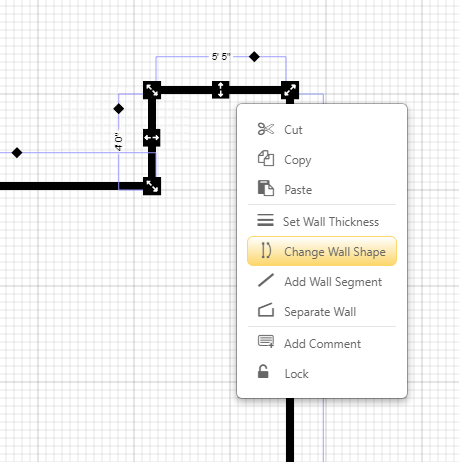
Right-click on a wall segment and choose Change Wall Shape.
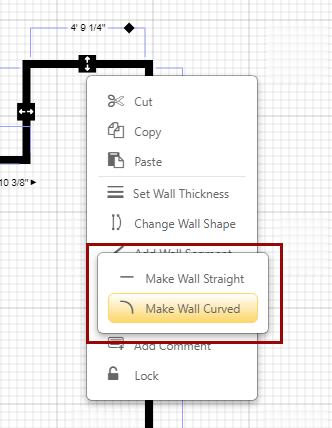
In the sub-menu, select Make Wall Curved to create a curved segment.
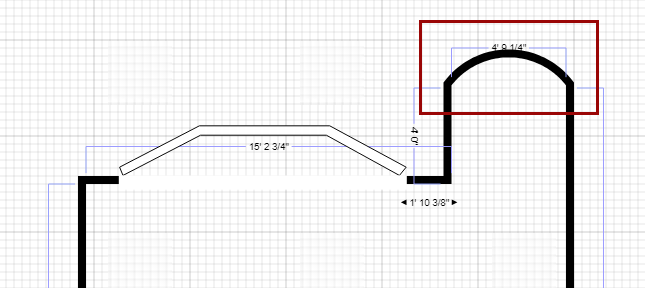
The selected wall segment will now appear curved.
You can make the wall straight again by selecting Make Wall Straight from the same sub-menu.